
Smart API Usage Guide
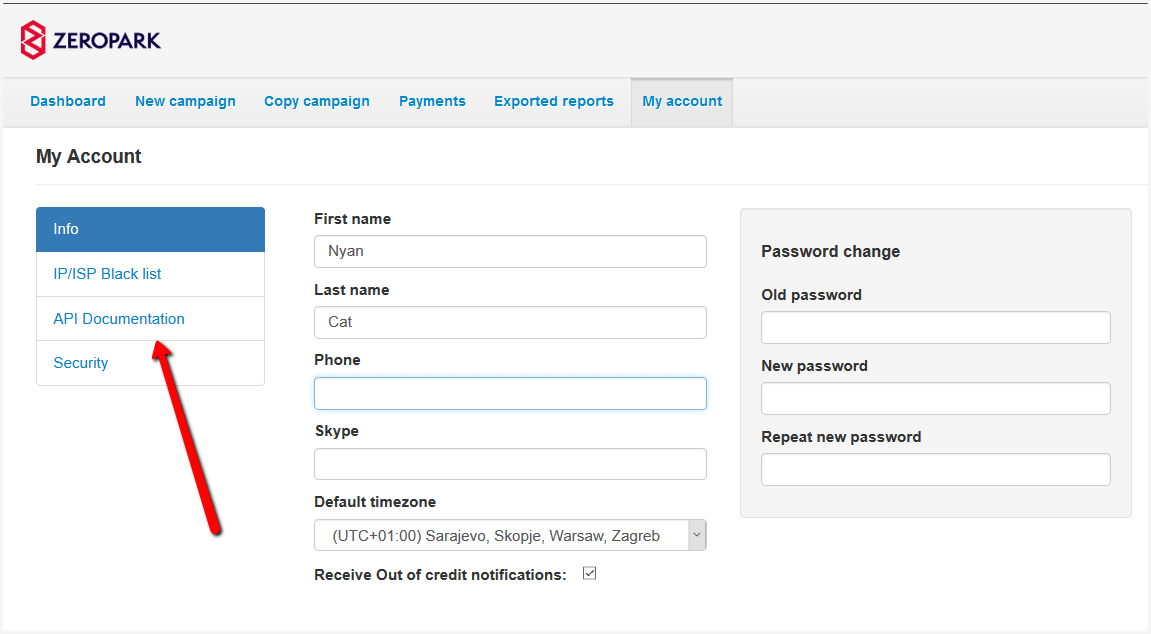
Zeropark offers you the API that may help you to take a better control over your media buying. This article provides only an intro to the API documentation listing some best practices and hints to start using the Zeropark API. A link to the full Zeropark API documentation, you can find in your account’s settings in the Zeropark platform:
To provide a quicker access to reporting and faster user experience, Zeropark has introduced some limits to the API and its usage. Below you can find a list of best practices how to use the API in a smart way without harming any of your campaigns.
- Be aware that it takes a few minutes for the requested actions to be performed through the API. This is standard behavior for systems handling billions of requests per second.
- Custom actions for targets, sources, keywords such as pausing, setting a custom bid, or changing the bid, are the most time-consuming for our system to process. Keep in mind that each time you request a change, especially when it is regarding targets, your campaign is inactive for few minutes. That is the reason why it’s recommended not to act rashly, but do only what is necessary. It applies to accessing reports as well.
- To manage your campaigns in a way that ensures a quick adjustment and stable performance, take into account the following points:
- Changing / pausing/ activating bid
- Reporting